
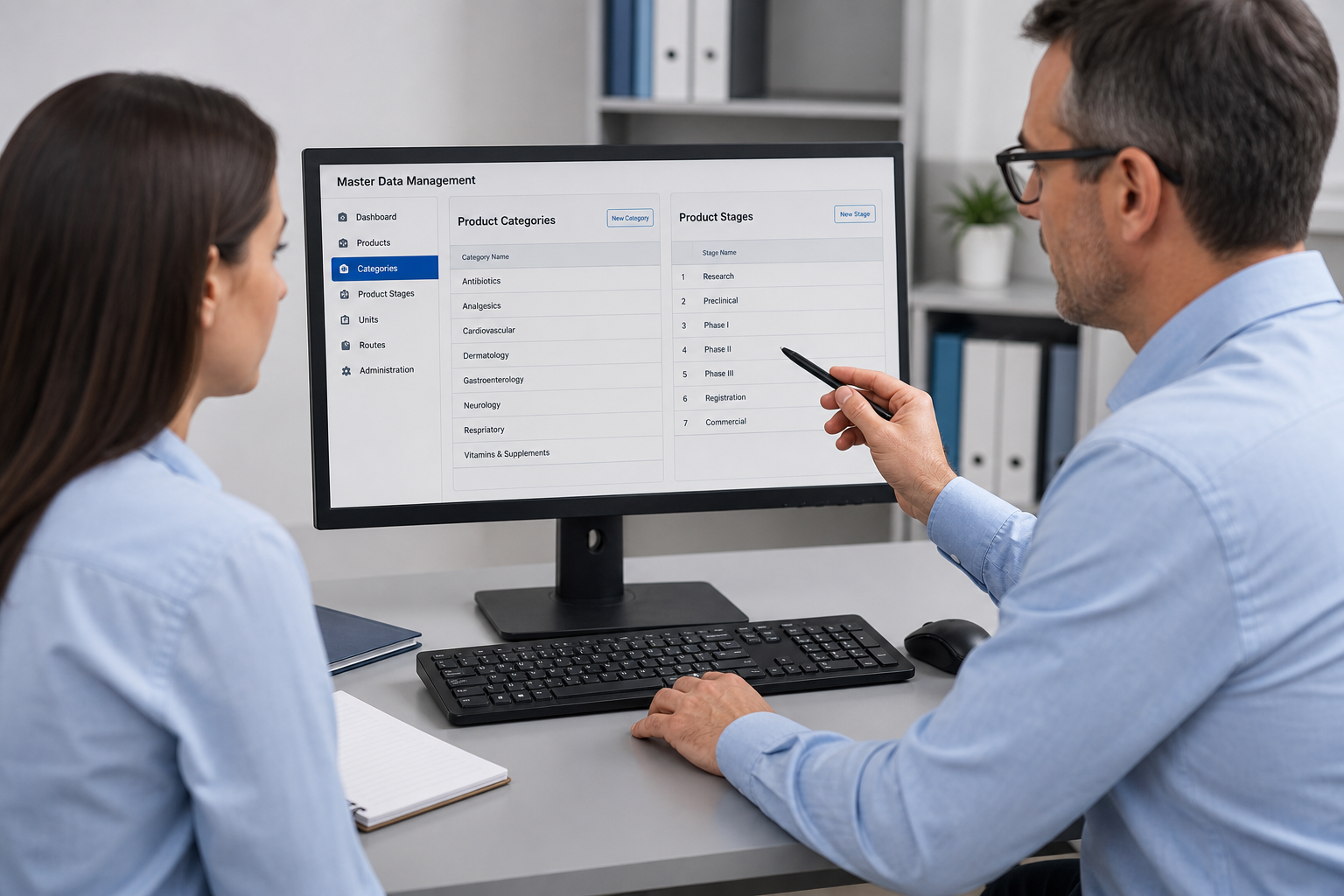
Set up master data
Add categories, products, stages, machines, and people. Standard time and standard output sit on the category, so every batch starts with the same rules.
BatchTrackX is production intelligence for pharmaceutical plants and labs. Track batches through stages, capture yield, measure efficiency, and keep an audit trail your QA team can trust.
Administrator review. No spreadsheet at the end of the shift.
Trusted choice for plants and laboratories
This film shows BatchTrackX on the production floor — a live stage record, not a separate timesheet.
A supervisor opens a time log, selects the batch and stage, and starts the clock. Operators join and leave the crew while the timer runs, so manpower hours stay accurate when people move between lines.
Yield is saved on the same log: input, wastage, and output. If a line stops, the stage goes on hold with a reason. When work is closed, live dashboards and efficiency reports already have the numbers — time, quantity, and crew on one record from the first start to the saved yield.
Each layer of the plant has its own view — live floor, yield chain, and efficiency against your standard. Time is not a separate sheet; it is part of the production record. A supervisor starts a stage, people join the crew, and the timer runs until the stage is closed or placed on hold. Reports then show how that time compared with your standard — live, at batch and employee level, without a spreadsheet at the end of the shift.
See which batches and stages are running, who is on the crew, and which lines are on hold — without calling the floor.
Live time is calculated from join and leave, so manpower hours stay accurate even when people move between stages during a shift. Supervisors can open a running log, add or remove crew, and keep the timer honest until the stage is closed.
Holds appear on the same view with a reason, so plant heads do not wait for a paper note. What is live on the floor is what the dashboard shows: batch, stage, people, and elapsed time together.
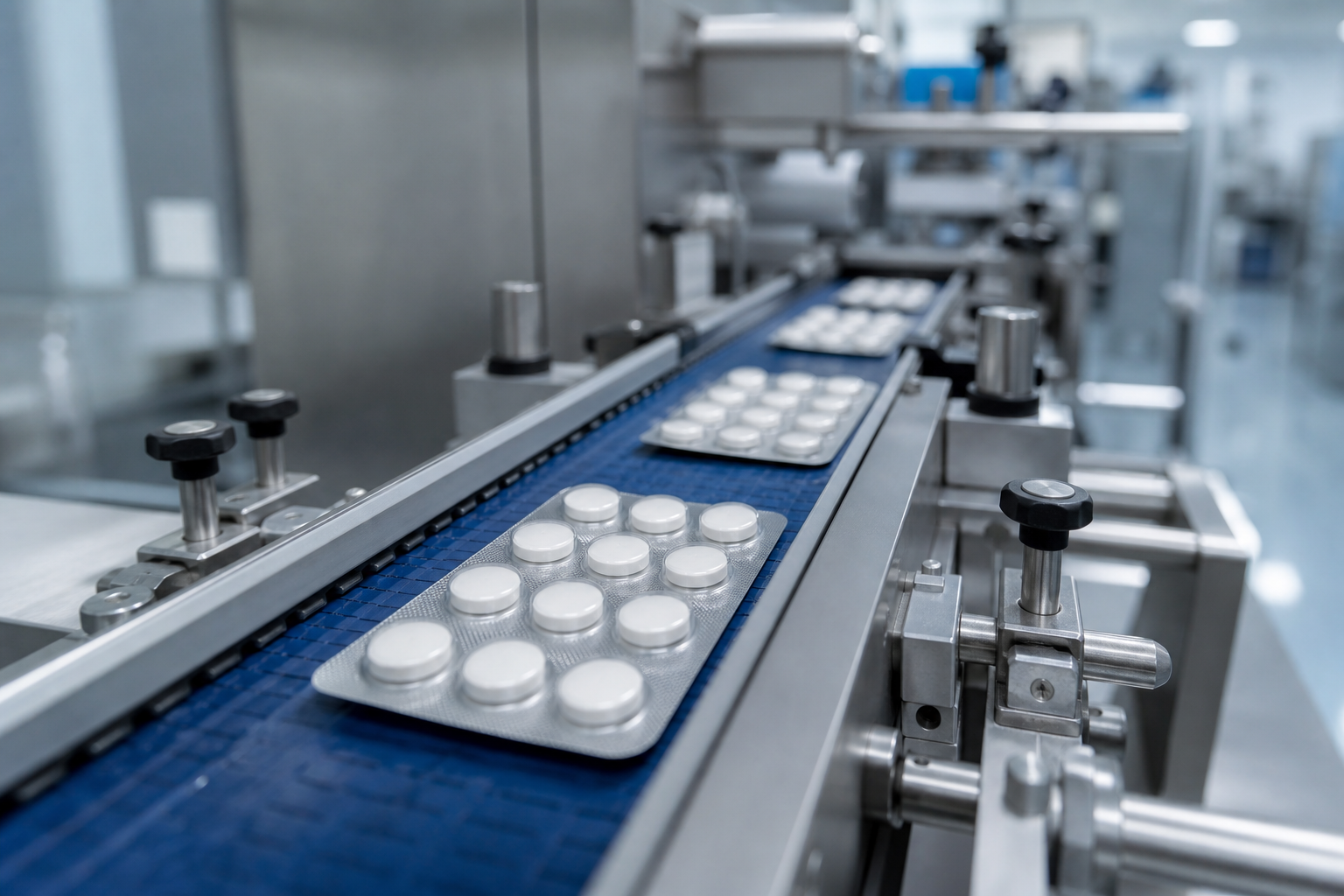

Record input, wastage, and output on the time log. The next stage starts from the quantity that actually arrived, not the plan.
This keeps packing, compression, and later stages honest: they work on what the previous stage actually released. Input, wastage, and output sit next to the timer, so yield is part of the same record as time and crew.
When a stage is closed, the output becomes the opening quantity for the next process. Management can follow the chain from granulation to packing without rebuilding the numbers in a spreadsheet.
Compare actual results with your standards at batch, stage, category, and employee level. Export the numbers for management review.
Employee efficiency uses actual quantity against the standard output per person set on the category — the same rule you already use on the floor. Time against standard and output against standard sit in one report, so a plant head can see both in a single pass.
Dashboards for live, yield, workforce, and management use that same record. Nothing is re-keyed at the end of the shift. What the supervisor saved on the time log is what the report measures.
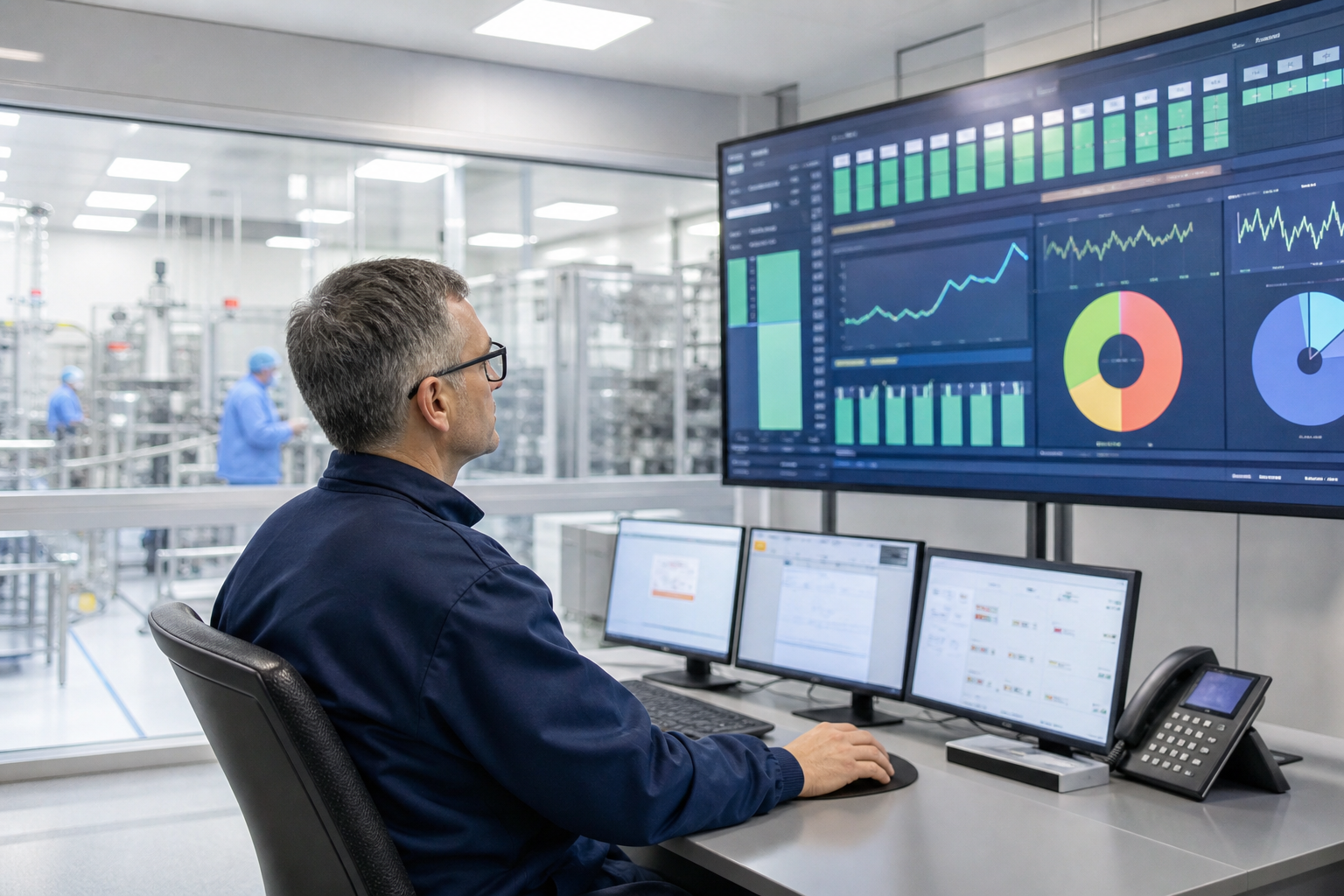
A connected four-step flow: set standards, open a batch, log time and yield on the floor, then read the same record as graphs — yield chain, efficiency versus standard, and stage time.
Add categories, products, stages, machines, and people. Standard time and standard output sit on the category, so every batch starts with the same rules.
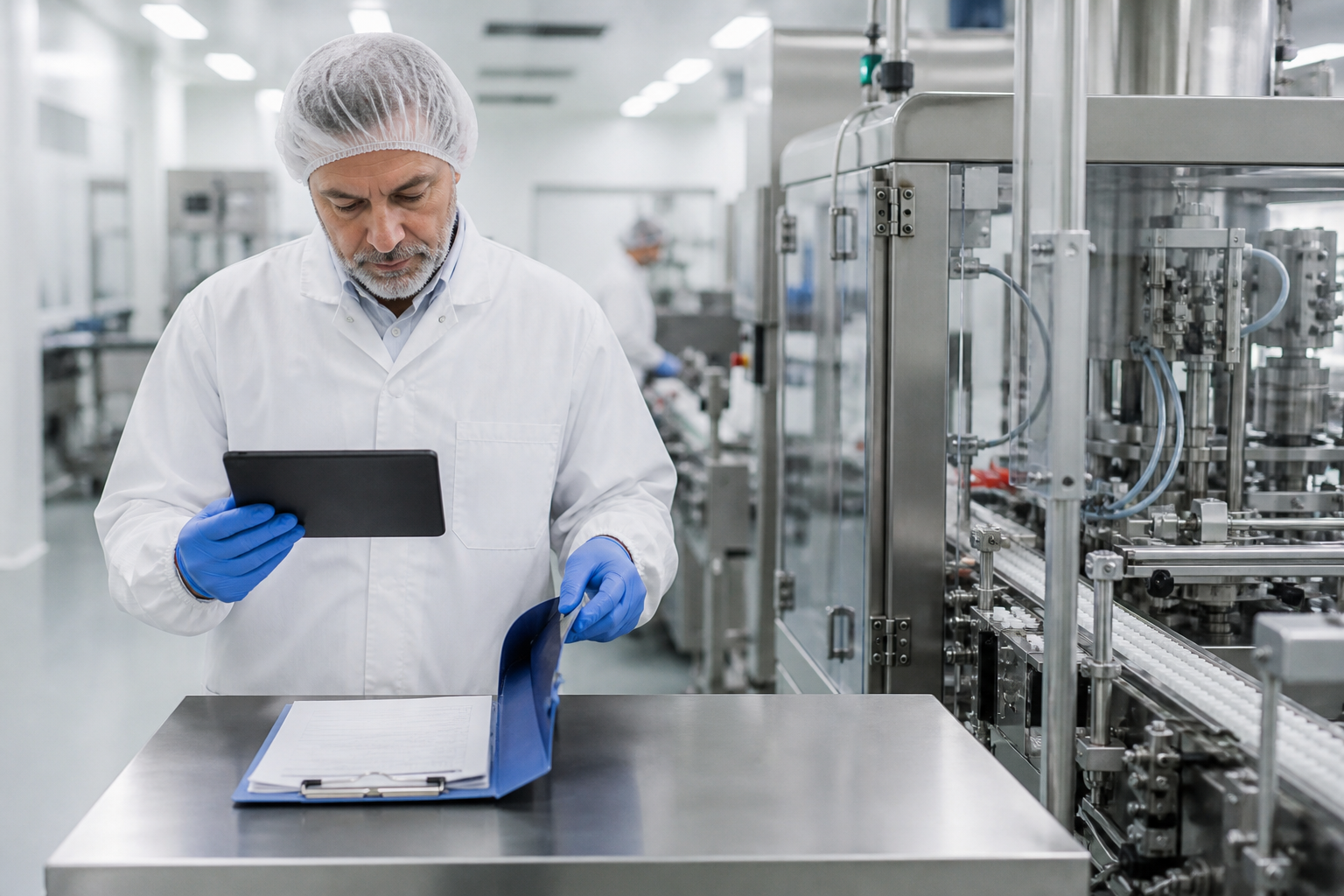
Create the batch, copy its stage route, and start production. Supervisors run the floor from Time Logs instead of paper sheets.
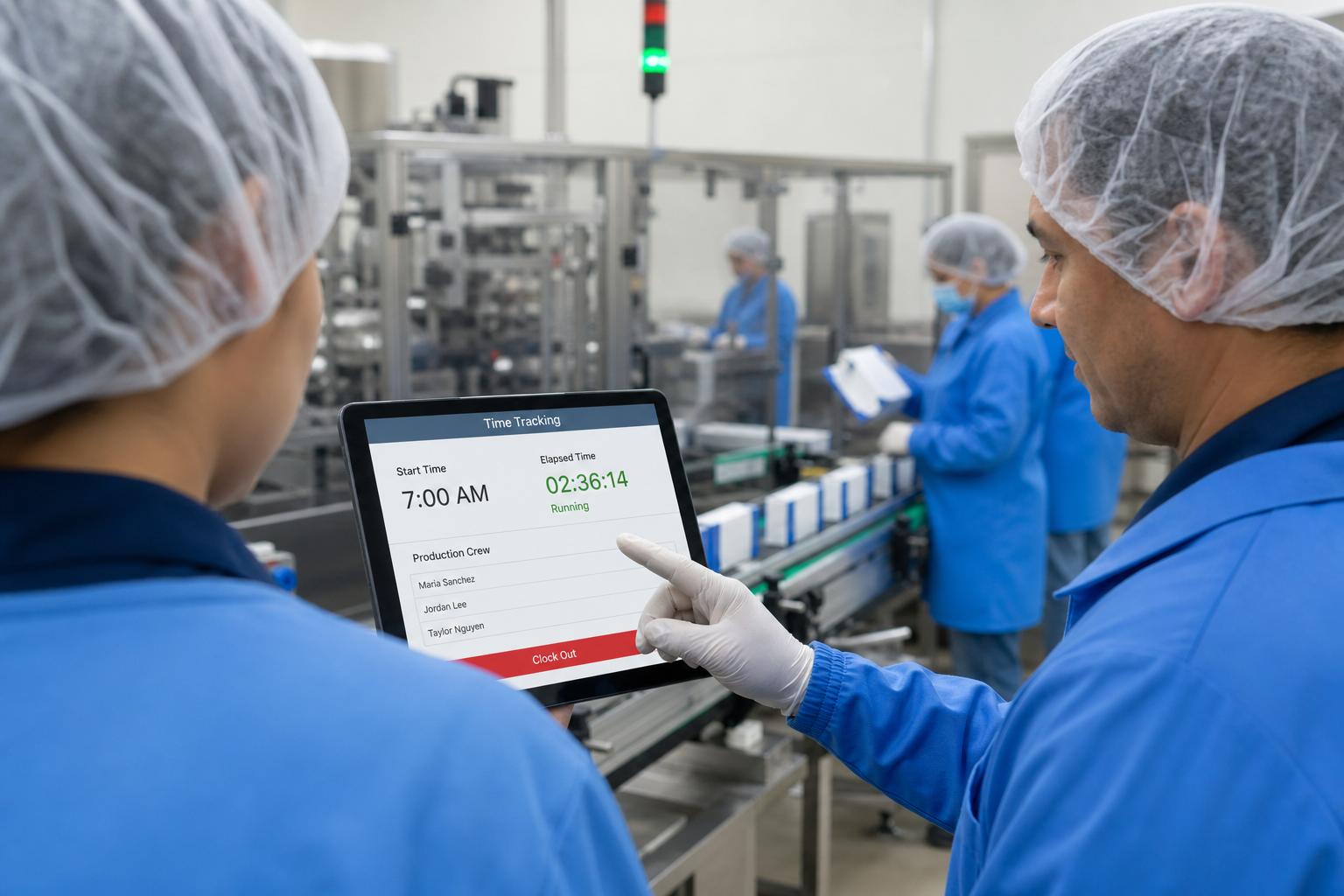
Crew joins a stage. A live timer runs. Input, wastage, and output are saved on the same log, so time and quantity stay together.
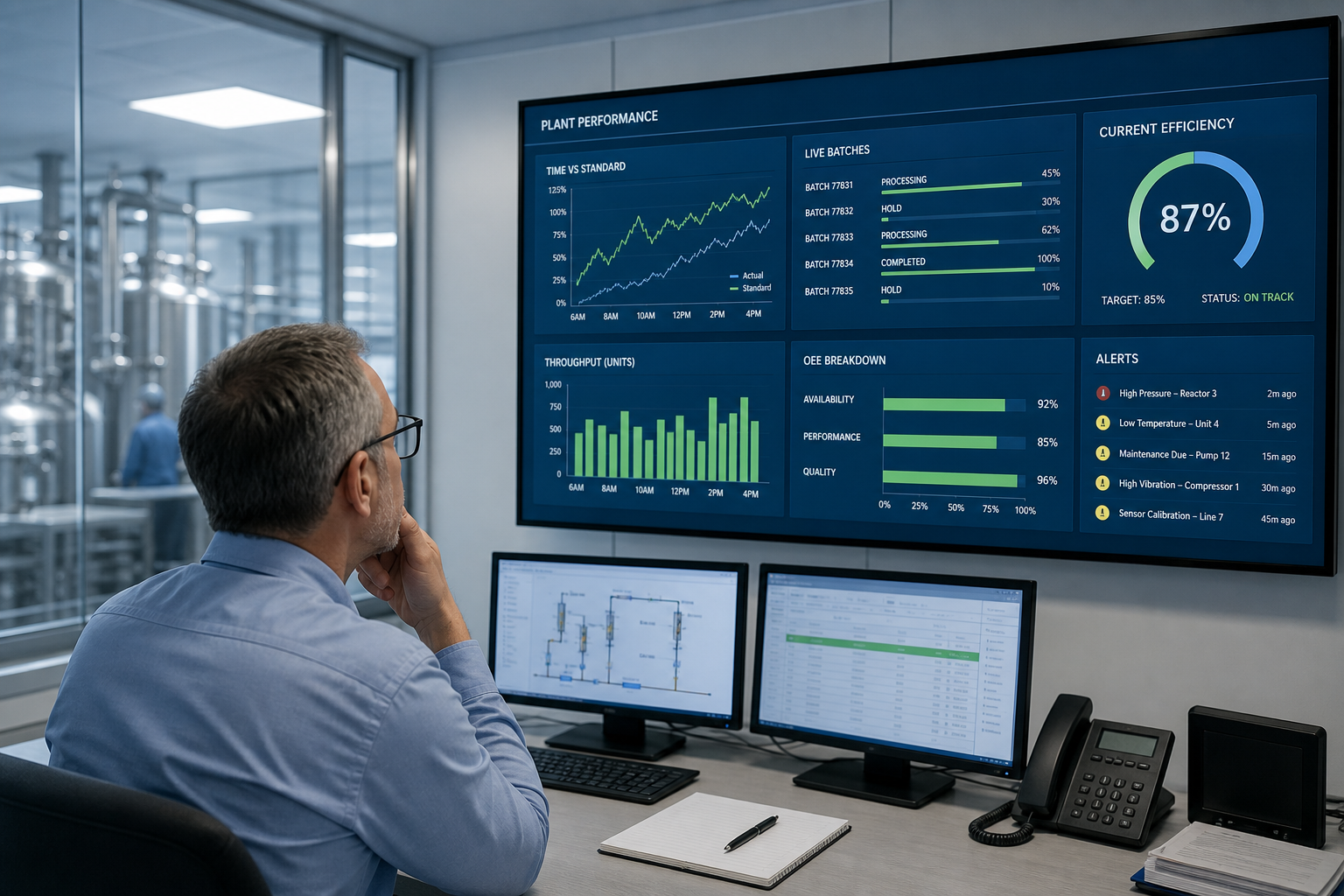
Live, efficiency, workforce, and management views for the same day. The graphs below are the three types that come from this step.
Yield chain, efficiency versus standard, and stage time — the three views plant heads use after a shift.
Time tracking is not complete without holds, crew movement, and an audit trail. These records sit next to the live timer so QA and plant heads can see why a stage stopped.
Each product category has its own stage route. Join and leave times keep manpower accurate when people move between lines.
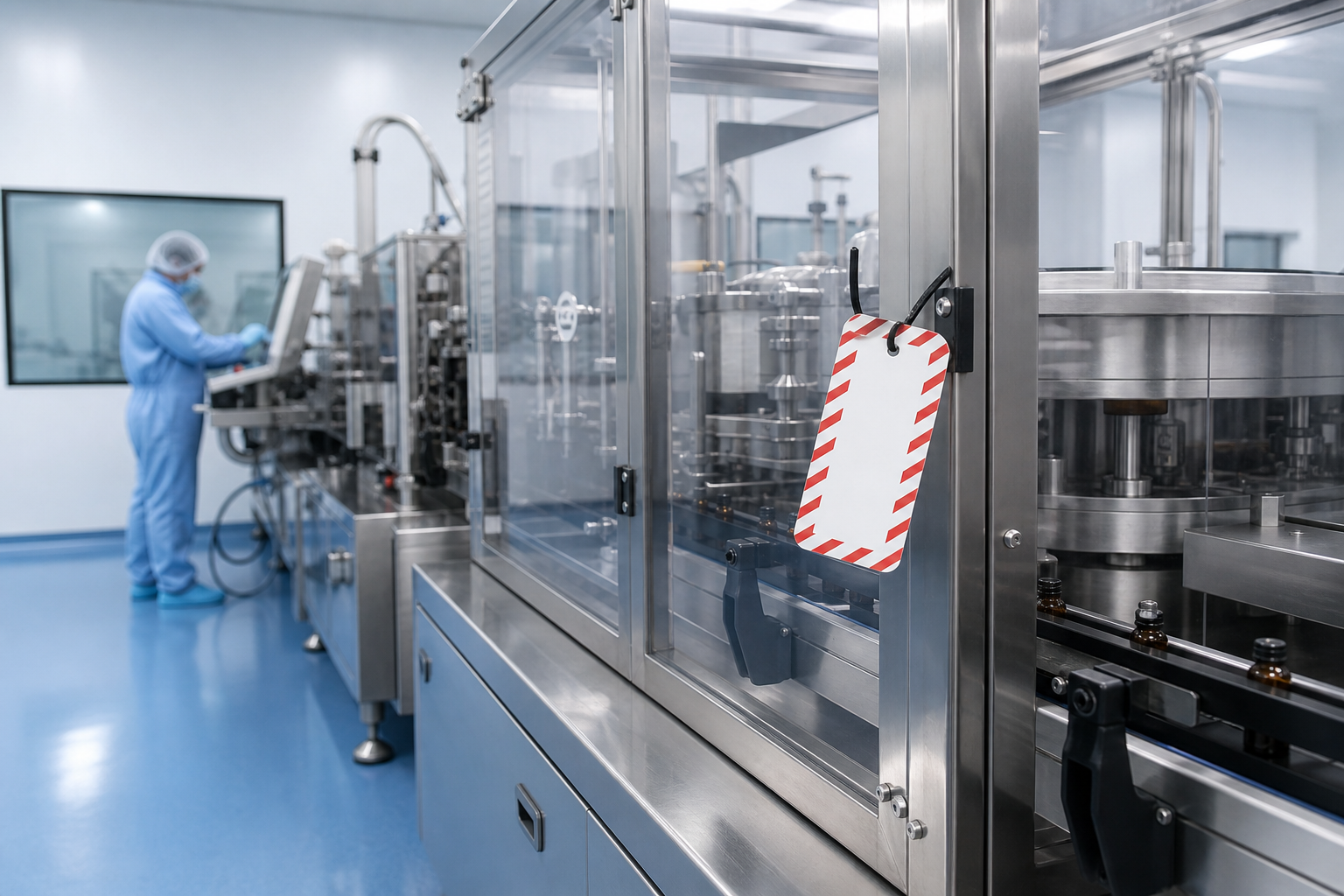
Pause a stage with a reason, resume when the line is ready, and keep a QA record of why production stopped.
Track manpower, measure output against standard, and keep a full audit trail by role for plant and quality heads.
Create an account. An administrator reviews each signup so plant data stays under control.
Pick a plan, create an account, then pay securely online. Prices are in USD. Every paid plan can start with a 7-day free demo.
Full trial on your plant data · no card required for the first week
No charge for 7 days · signup required
Per laboratory · billed monthly · cancel anytime
Online payment · secure checkout
Per site · billed monthly · cancel anytime
Online payment · secure checkout
Multi-site groups · billed monthly · volume add-ons available
Online payment · secure checkout
Tell us about your plant. We will map BatchTrackX to your stages, yield rules, and reporting needs — packing, compression, granulation, or a quality laboratory.
BatchTrackX is built by Royal Soft for pharmaceutical production — plants, packing lines, and laboratories that need time, quantity, and people on the same record.
It is not a generic timesheet. Batches move through stages, yield carries forward, efficiency is measured against your standard, and quality teams can review holds and the audit trail.
Royal Soft builds software for the shop floor, not for a generic office clock. The same record that starts a timer also carries quantity, crew, and the reason a line was placed on hold.

Please create an account before you continue. After signup, you can subscribe or send a request.